
Clearer HMI Panels: The New Multi-Line Text Gadget
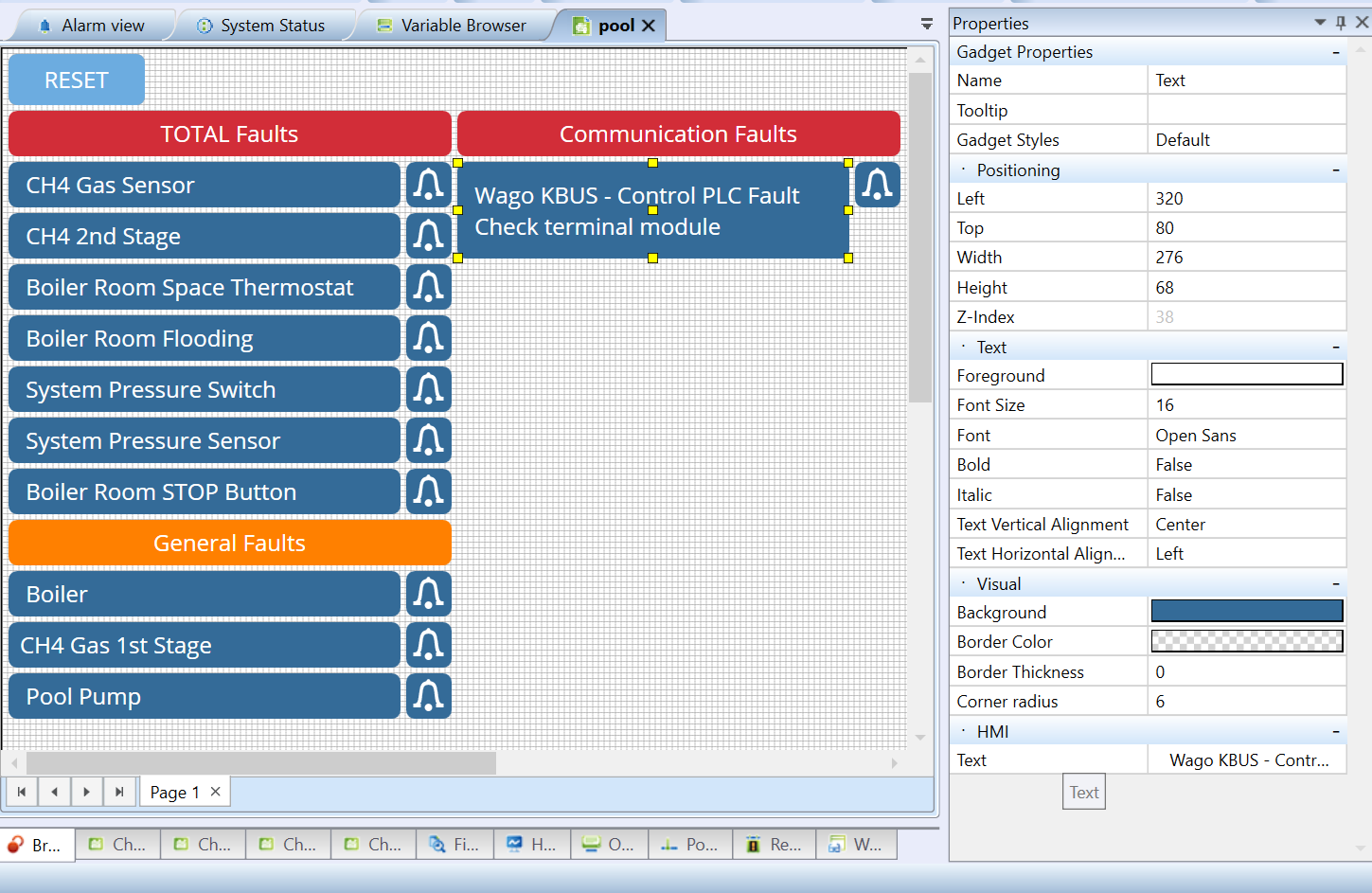
Creating clear instructions and fault messages for operators just got much easier. With the release of Mervis IDE 2.7.20, we have upgraded the HMI Text gadget to support native multi-line text formatting through a brand-new editing dialog.
No More Cramped Text Boxes
Previously, displaying detailed messages meant either cramming everything into a single line or wrestling with multiple stacked text gadgets. Now, you can format structured information—like an alarm title followed directly by a troubleshooting step—cleanly and naturally in one place.
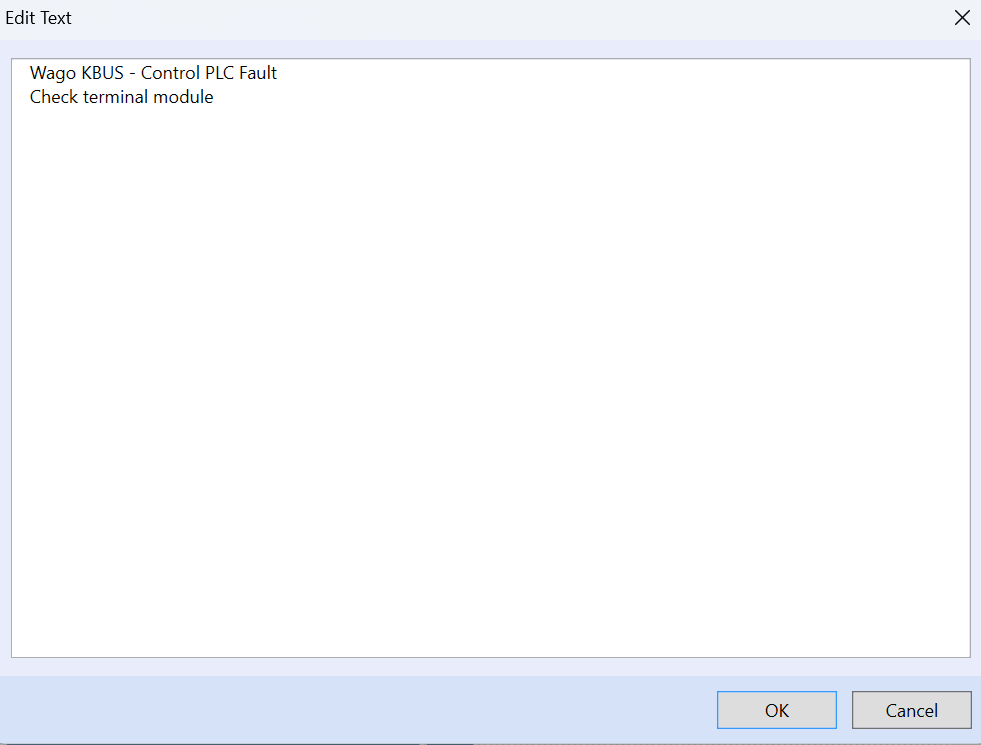
How It Works
When configuring a Text gadget on your HMI schema, simply click the ellipsis button (...) inside the Text property cell to open the new editor. You can type freely and press Enter to create natural line breaks.
To keep your interface clean and organized while you work, the Property Grid will smartly collapse your input and only display the first line of your text.
Ready to update your operator panels? Check out the step-by-step configuration guide in our Knowledge Base.